
Download SkyView Lite – stargazing app, free astronomy tool, identify stars, sky map, space object tracker
Overview
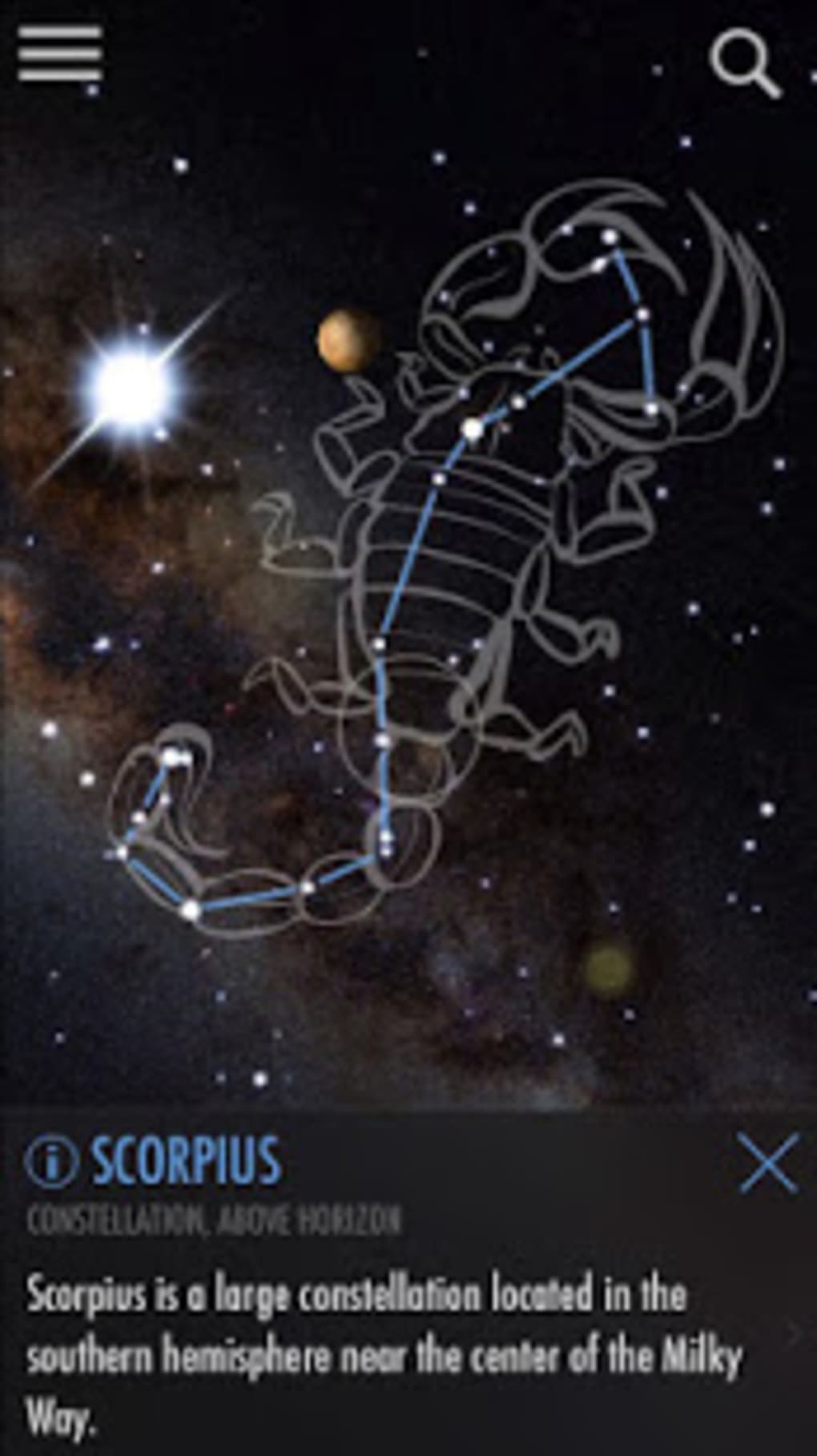
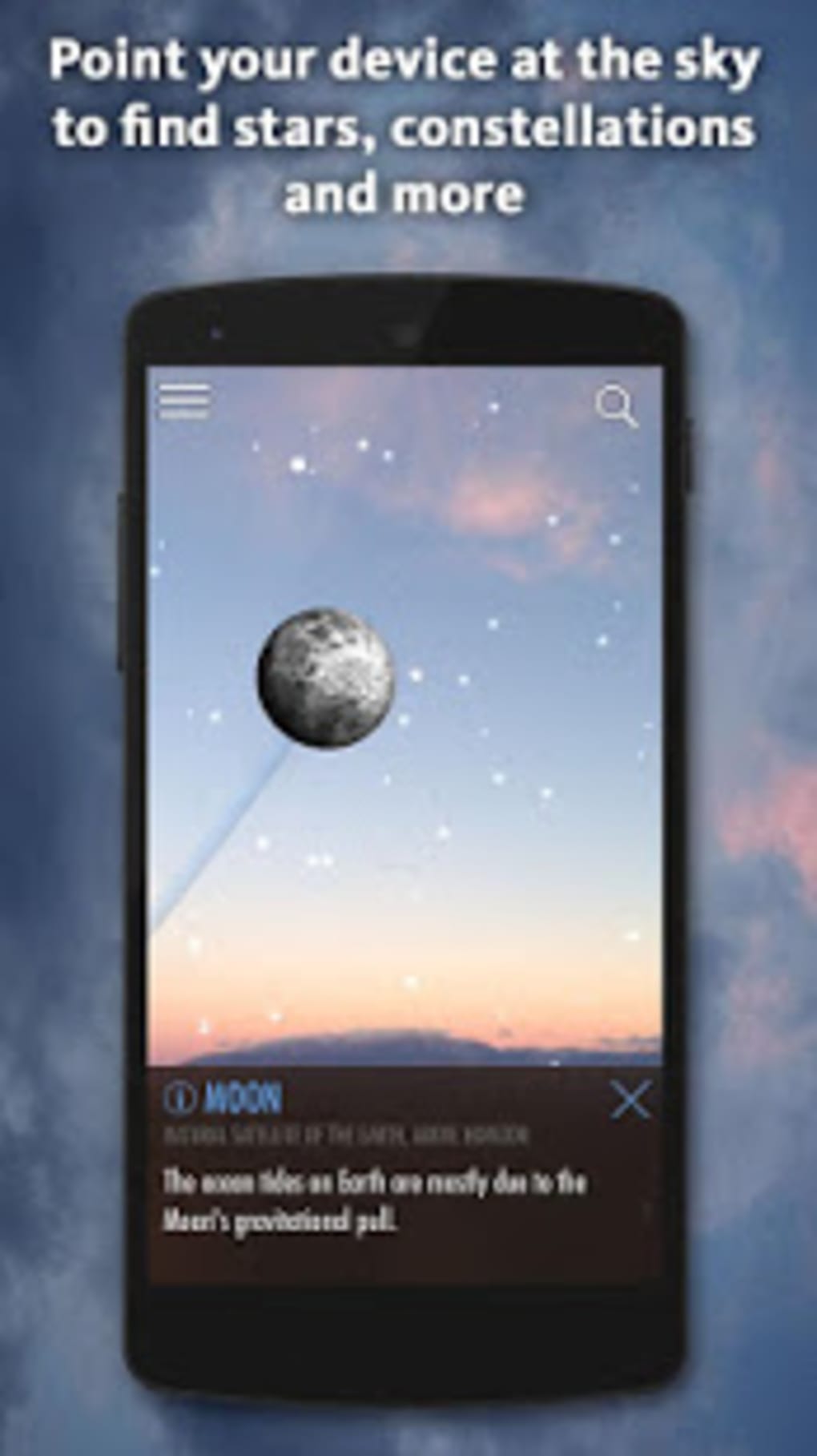
SkyView Lite is a free stargazing application designed for mobile users interested in exploring the night sky. The software enables users to identify celestial objects such as stars, constellations, planets, and satellites—including notable ones like the Hubble Space Telescope and the International Space Station—by simply pointing their device toward the sky. It functions as a real-time reference tool, providing immediate visual feedback through augmented reality integration.
The app supports educational engagement by offering detailed data on each identified object, including its name, radius, and distance from Earth. Target users include amateur astronomers, students, and casual stargazers seeking an accessible way to learn about the cosmos. The app is specifically developed for Android devices and operates without requiring a continuous internet connection, making it suitable for outdoor use in remote areas.
Its time travel feature allows users to view the historical or future positions of celestial bodies, enhancing its utility for observational planning. While the developer did not provide additional details on performance or accuracy under varying conditions, the app is designed to support both day and night sky navigation with a dedicated night mode that preserves visual clarity. Real-world usage scenarios include backyard astronomy, educational field trips, and spontaneous sky observation sessions.
Key Features & Capabilities
- Real-time celestial identification: Instantly detects and labels stars, constellations, planets, and satellites when the device is pointed at the sky.
- Augmented reality integration: Overlays astronomical data on the live camera feed, enabling intuitive object recognition regardless of time of day.
- Comprehensive object data: Provides detailed information including name, radius, and distance from Earth for each identified space object.
- Time travel feature: Allows users to visualize the past or future positions of celestial bodies, useful for predicting visibility and planning observations.
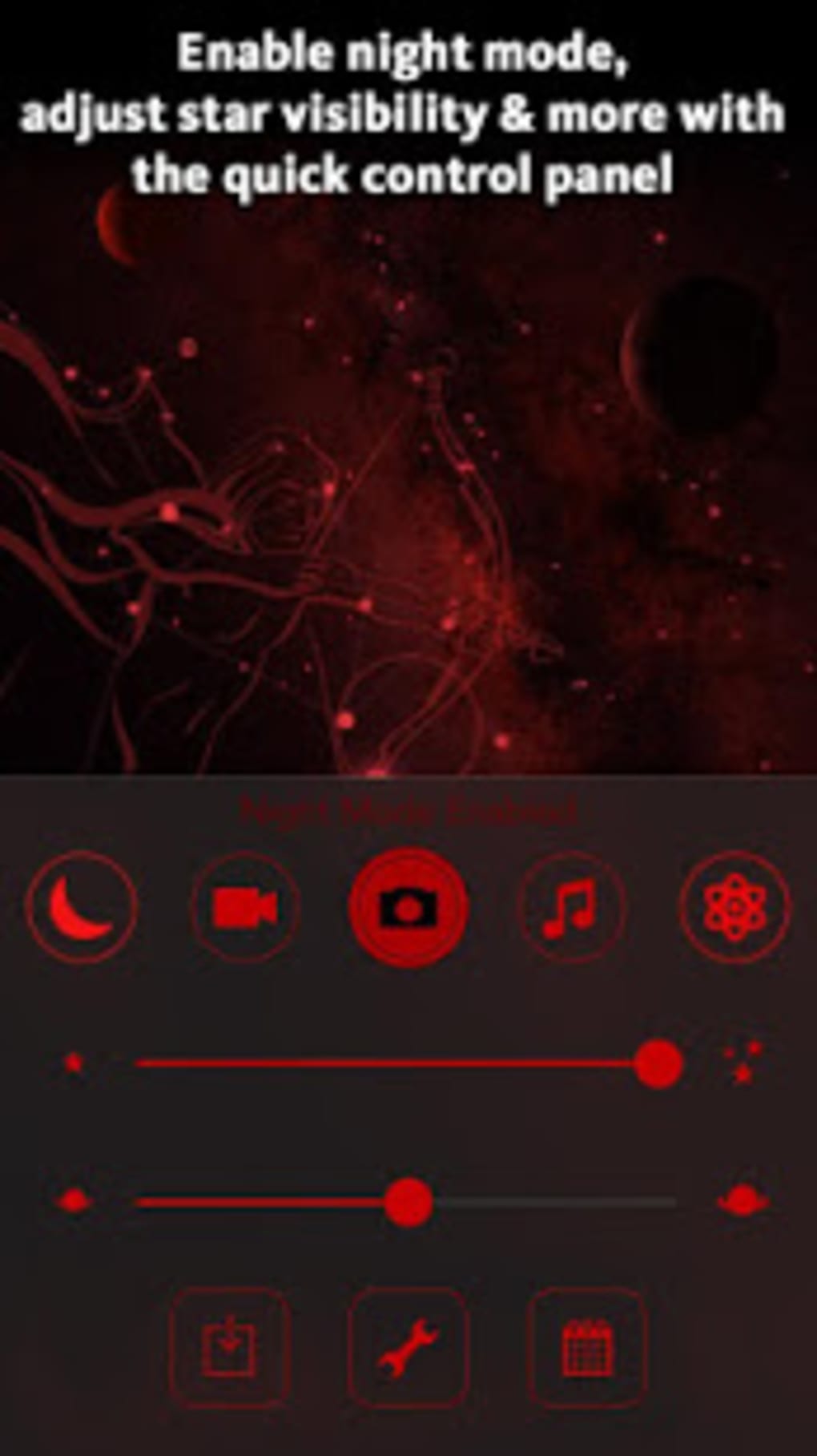
- Night mode functionality: Applies red and green filters to reduce light pollution and preserve night vision during prolonged stargazing sessions.
- Offline operation: Functions without an internet connection, ensuring usability in remote or low-connectivity environments.
- Event notifications: Delivers alerts for upcoming astronomical events such as meteor showers and planetary alignments.
These capabilities make SkyView Lite a practical tool for both casual users and those beginning their journey in astronomy. For example, a user can use the time travel function to determine when a specific constellation will be visible in the northern hemisphere. The app’s offline mode supports fieldwork or travel to dark-sky locations where connectivity is limited. The night mode helps maintain visual acuity, which is essential for accurate sky observation. The developer did not specify the precision of object tracking or the range of supported satellites, but the app is intended to serve as a general-purpose sky map for educational and recreational use.
User Interface, Workflow & Performance
The user interface of SkyView Lite is structured around a central camera view with overlayed celestial labels and directional indicators. Navigation is minimal, relying on intuitive gestures such as pointing the device and tapping on identified objects for more information. The workflow is streamlined: users launch the app, grant necessary permissions, and begin scanning the sky.
The interface responds dynamically to device movement, aligning celestial data with real-time positioning. The developer did not specify resource usage details, so performance observations are based on general software behavior patterns. Users may experience variability in response time depending on device hardware and environmental conditions.
Stability reports were not provided, though some users have noted instances where the app fails to settle on a correct location and continues spinning without stabilization. This may be influenced by sensor calibration or GPS accuracy. The app’s performance during prolonged use remains unverified, and no official data was shared regarding CPU or RAM consumption.
Overall, the interface is designed to be accessible to non-technical users, with visual clarity and minimal clutter. However, the absence of advanced customization options limits flexibility for power users.
Compatibility & System Requirements
SkyView Lite is designed for Android devices and runs on version 2.3.1. The installation size is 48.2 MB, which is relatively compact for a feature-rich mobile application. The developer did not provide additional system requirements, including minimum processor speed, RAM, or supported screen resolutions.
Compatibility information was partially provided, indicating that the app is optimized for mobile platforms with built-in gyroscopes and GPS sensors. The app requires access to the device’s camera, location services, and motion sensors to function correctly. Exact performance behavior on older or lower-end devices was not specified.
Users should ensure their device supports augmented reality features and has a working GPS system for optimal functionality. The developer did not confirm support for tablets or foldable devices. For users considering installation, it is recommended to verify compatibility with their specific Android model and version.
Pros and Cons
Pros
- Free to download and use with no in-app purchases or subscriptions.
- Operates fully offline, ideal for remote or low-connectivity areas.
- Features augmented reality for intuitive sky navigation.
- Includes a night mode to preserve night vision during observation.
- Provides time travel functionality for historical and future sky visualization.
- Supports identification of satellites, including the Hubble and ISS.
Cons
- Some users have reported inaccurate data, particularly in the positioning of stars.
- Occasional app instability, including infinite spinning without stabilization.
- Exact system requirements were not listed, which may affect compatibility.
- Limited customization options for advanced users.
- Developer did not provide performance benchmarks or accuracy verification.
FAQ Section
Is SkyView Lite compatible with all Android devices?
The app is designed for Android devices, but the developer did not specify full compatibility details. Users should ensure their device supports GPS, camera access, and motion sensors for optimal performance.
Does SkyView Lite require an internet connection?
No, the app functions offline. It does not need a continuous internet connection to identify celestial objects or display sky maps.
Is the app safe to download and use?
As a free application from a known developer, SkyView Lite is considered safe. However, users should download it from official sources to avoid third-party modifications.
How often are updates released?
The developer did not provide information on update frequency. Users should check the app store for the latest version.
Can I use SkyView Lite during the day?
Yes, the app supports both daytime and nighttime sky observation using augmented reality and sensor data.
Final Thoughts + CTA
SkyView Lite delivers a compelling blend of education and entertainment for anyone curious about the night sky. Its ability to identify celestial objects in real time, combined with offline functionality and a user-friendly interface, makes it a valuable tool for beginners and casual users. While some inaccuracies in object positioning and occasional instability have been reported, the app remains functional for general stargazing and learning.
Its time travel feature and satellite tracking add depth to the experience, especially for those interested in astronomy planning. The absence of a subscription model and the free availability further enhance its accessibility. For amateur astronomers, educators, and space enthusiasts, SkyView Lite offers a practical and engaging way to explore the universe.
Download SkyView Lite now.





.png)

